This feature is part of the list of enhancements for the Front Shop, covered in the roadmap presented in February. I was wrongly assuming this was going to be a straightforward one  but there are quite a few decisions still pending so I thought best to provide an overview to help us proceed.
Grab your favourite drink and snacks because this is going to be a long one.
In a nutshell, this functionality gives the ability to producers and hubs to add multiple images to their product so that they can be displayed in shops.
Milestone > https://github.com/openfoodfoundation/openfoodnetwork/milestone/82
Slack channel > https://openfoodnetwork.slack.com/archives/C0ABHSPAWBB
From what I have seen, there are 3 main sides for people to use this:
-
Front shop: visualising images in the shop when shopping
-
Back office: adding images from the product list - basic feature set
-
Back office: managing images in product settings - full feature set
1. Front Shop: visualising images
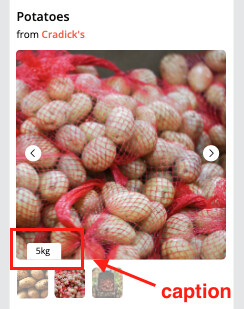
This is the side that I’ve got the most confidence in. After online research of ecommerce patterns (see here extensive list of examples), main components for a carousel of images that I have seen and believe would be beneficial:
-
Responsive solution adaptable to different screen sizes
-
Arrows and swiping gestures for touch devices to scroll between images
-
Thumbnails below or to the side of the active image
-
Caption
-
Alternative text (already available - to be confirmed if it’s actually working)
I don’t believe we can show multiple images in the shop product list, so this carousel would be available only for the product details overlay.
Based on the above, here are some simple high level designs.
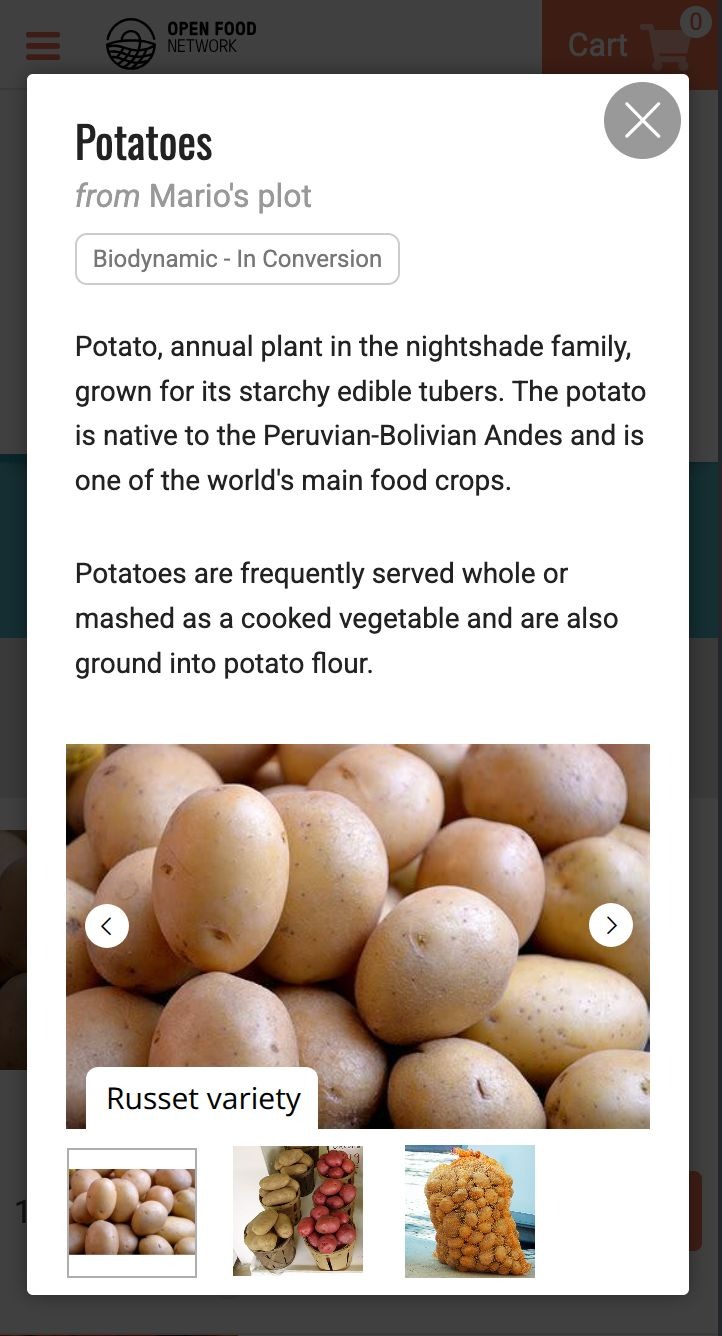
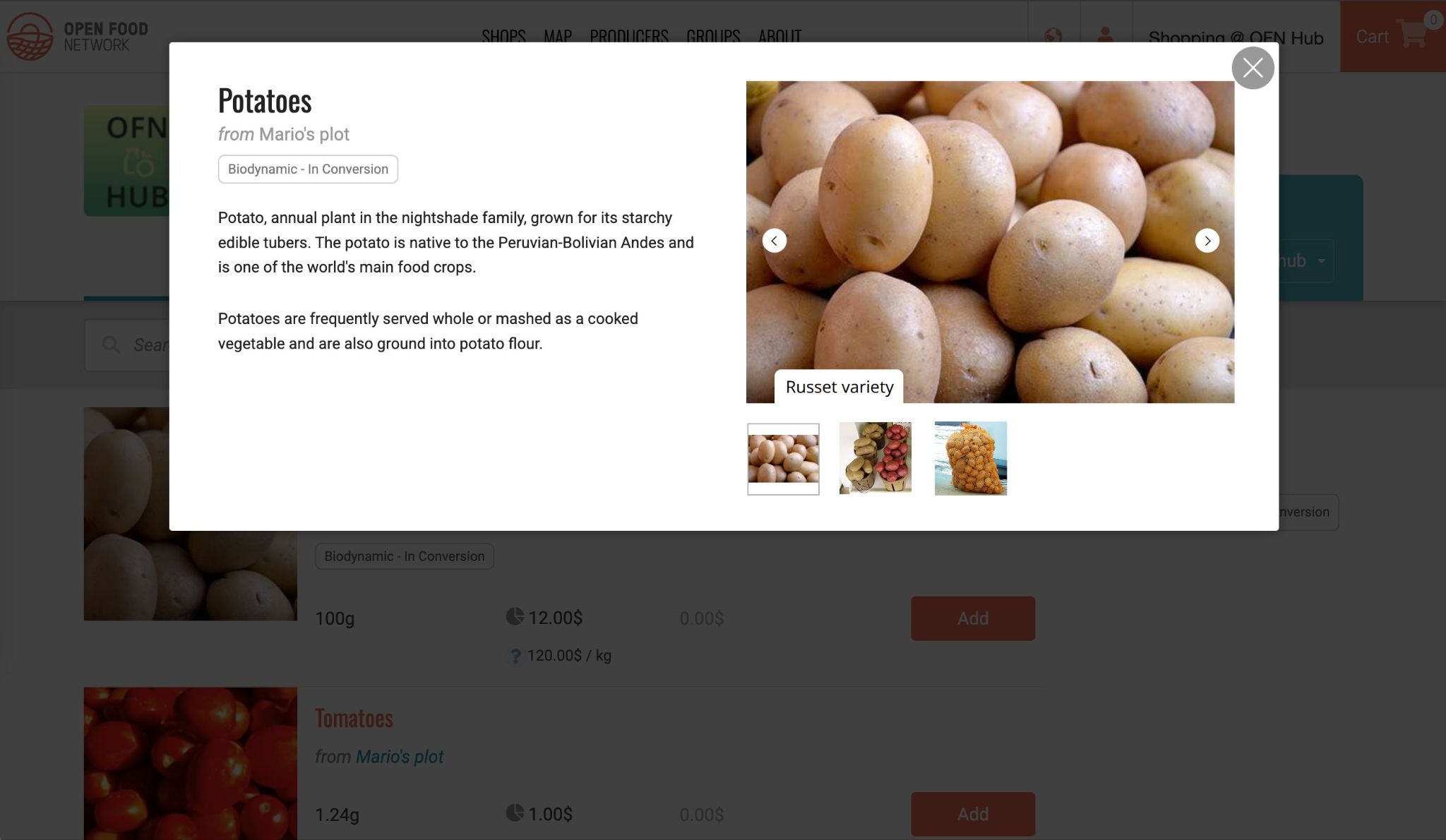
This will likely need to be adapted based on the available customisation options for the carousel library we’ll use (if we are going to use one).
Why is caption important?
One of the main use cases I see is when a product is an umbrella for different items, not just in terms of unit. For example, Loaf is the product, and then each variant can be white loaf, olives loaf, raisins, etc..in this case admins might upload one image per variant, and use the caption to clarify which variant each image represents.
Seasonal variations for a product might also be handy. I could sell veggie boxes that obviously vary depending on the season. Having an image per season might be more compelling, and again caption can help clarify.
Why is alt text important?
Alt text, or alternative text, is a brief description added to images on a website, enabling screen readers to convey visual content to individuals with visual impairments. Well-crafted alt text is essential for ensuring web accessibility and usability. The best alt text takes into consideration the context of the image along with its purpose. (from NNGroup)
By including an option for alt text we make sure that folks with visual impairments can still get context of the images uploaded by admins.
What about the new product details page?
As part of the roadmap we would also want to introduce dedicated pages for products and replace the overlay of the design concepts above. We plan to reuse the carousel in the new pages as well, without additional work.
2. Back office - adding images from product list
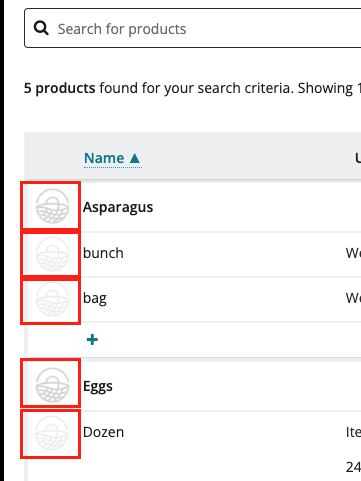
I don’t have too much confidence in proceeding to development here, and I am seeking inputs.
Some inputs will come from the concept feedback activities, both from instance managers and producers/hubs.
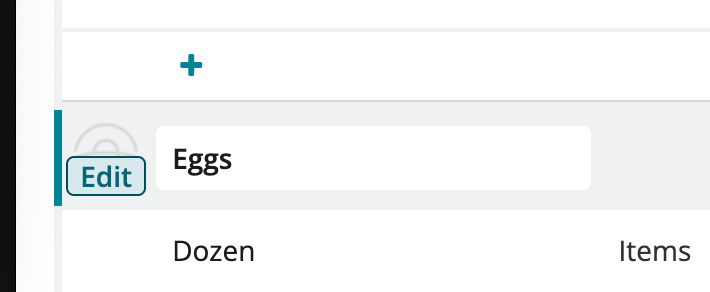
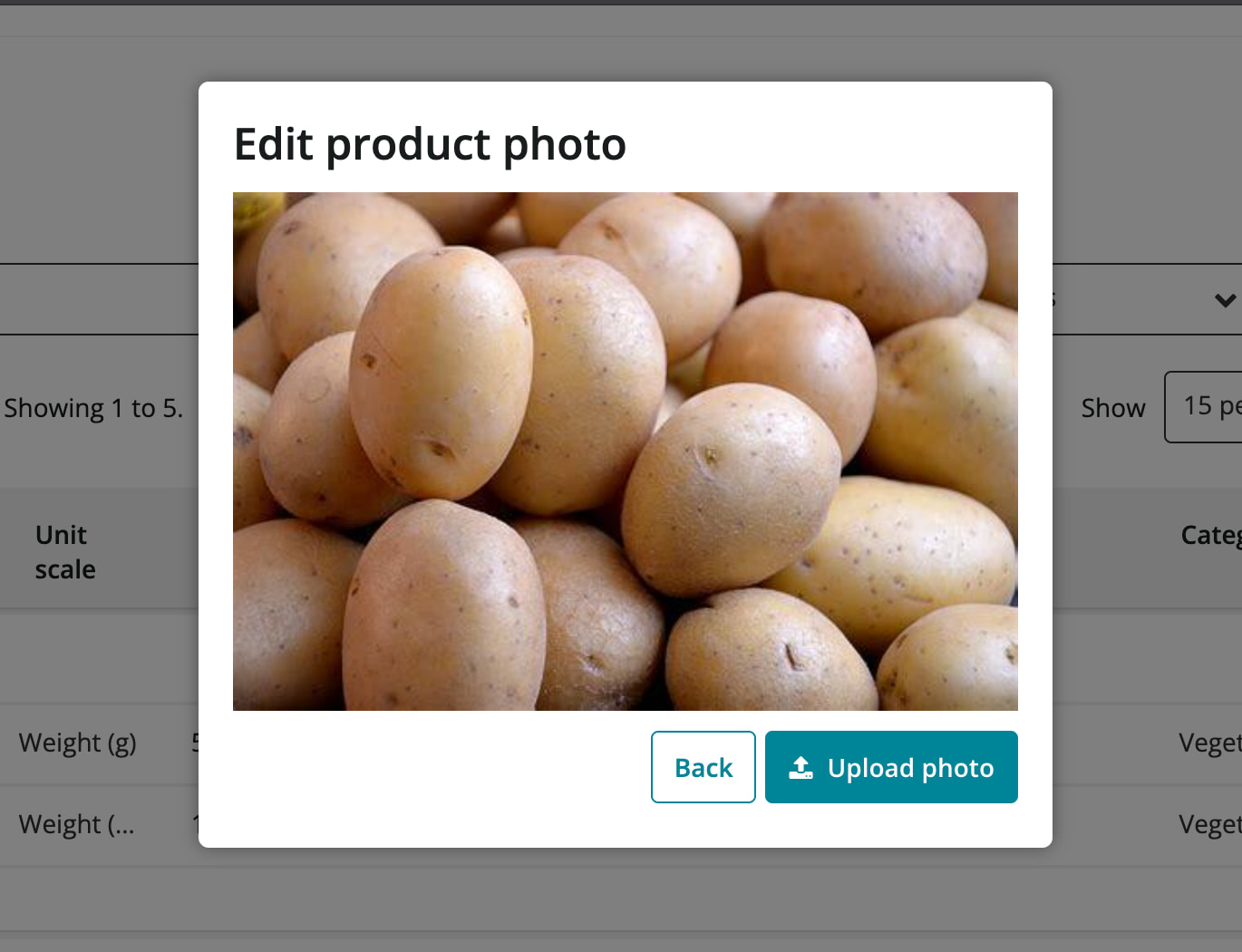
What’s currently supported in product list
-
Upload one image only, linked to a product
-
Replace image
-
No ability to link to a variant
What we could build
I’ve got two main proposals, one that allows you to upload one individual image per variant, and one that allows instead to upload multiple images for the product.
These two options are part of the concept testing, so I’m hoping to get some direction from there, but feel free to share any thoughts in this thread as well.
Option 1 - One image per variant
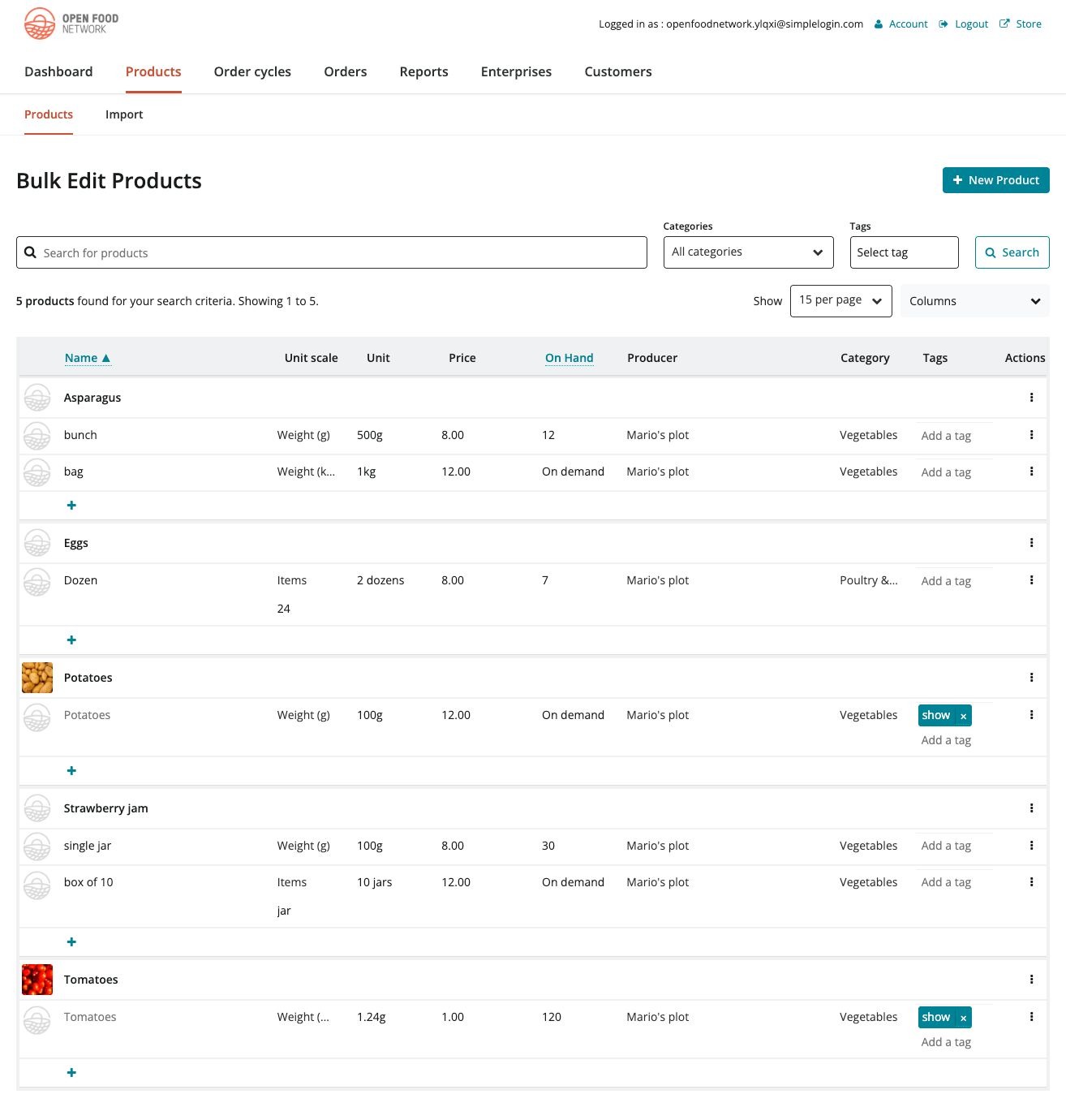
In this option we basically replicate the product upload for each variant row. This makes it easy to have an image that’s linked to a variant, and to see all the images in the list. We can also reuse the overlay that we already have.
It does come with some downsides:
-
Visually clutters the list
-
Performance risks for the product page, which already has some loading issues
-
Forces an semi-arbitrary number of images based on how many variants you have
Option 2 - Multiple images per product
See mini clip here
In this case, instead of uploading in variant row, we enhance the current overlay and allow users to upload multiple images. I can see it being very helpful especially if we optimise this overlay for mobile. In that case folks have to only zoom into the list once, tap on the product placeholder image and then they’re in a mobile view where they can just take photos on their phone and upload on the go a bunch of images.
Downsides:
-
Doesn’t show all the images in the list
-
Doesn’t link images to variants
-
For linked variants, when the owner of a linked variant might not be able to actually change fields for the product, we will need a separate interface, which would likely need to live in the variant settings page
3. Back office - managing images in product settings
We already have a page that allows some tweaks, but it’s VERY broken. Some functionality doesn’t work, and is actually quite misleading. It does need a good cleanup.
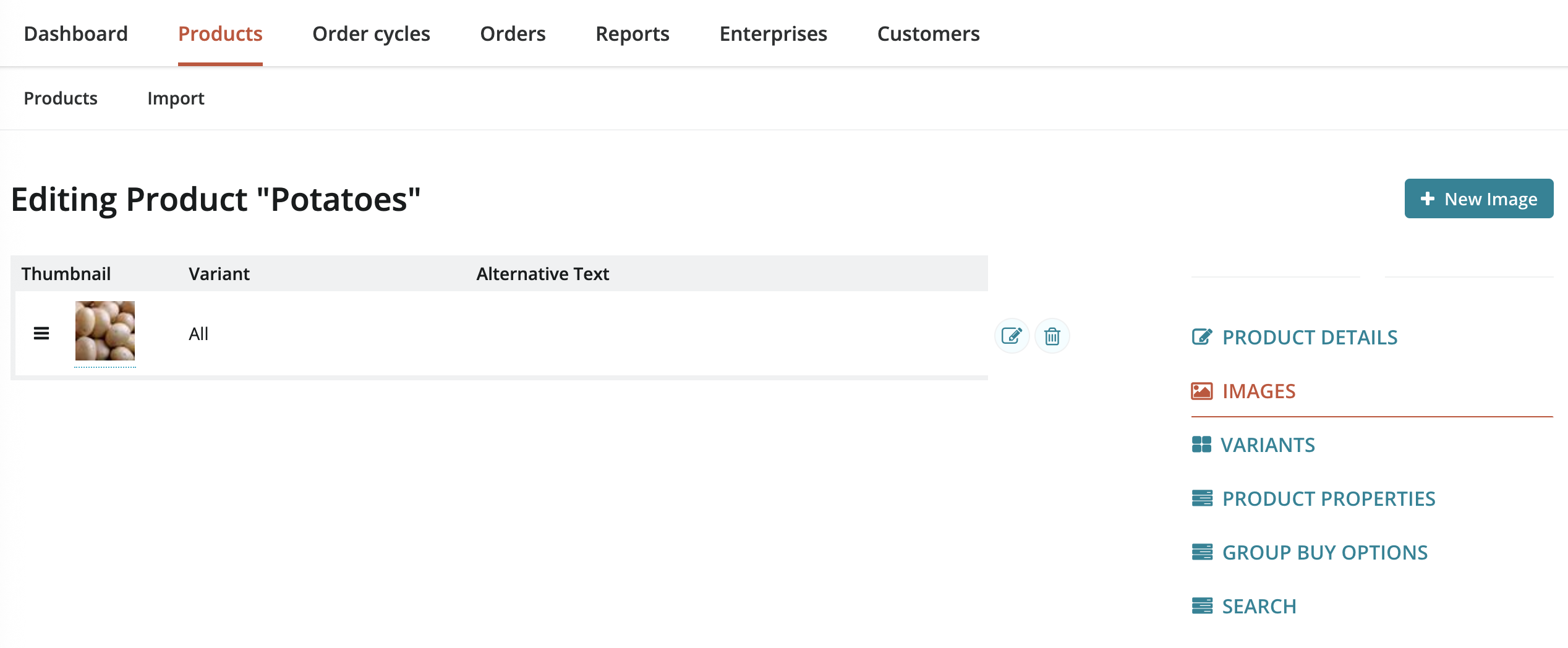
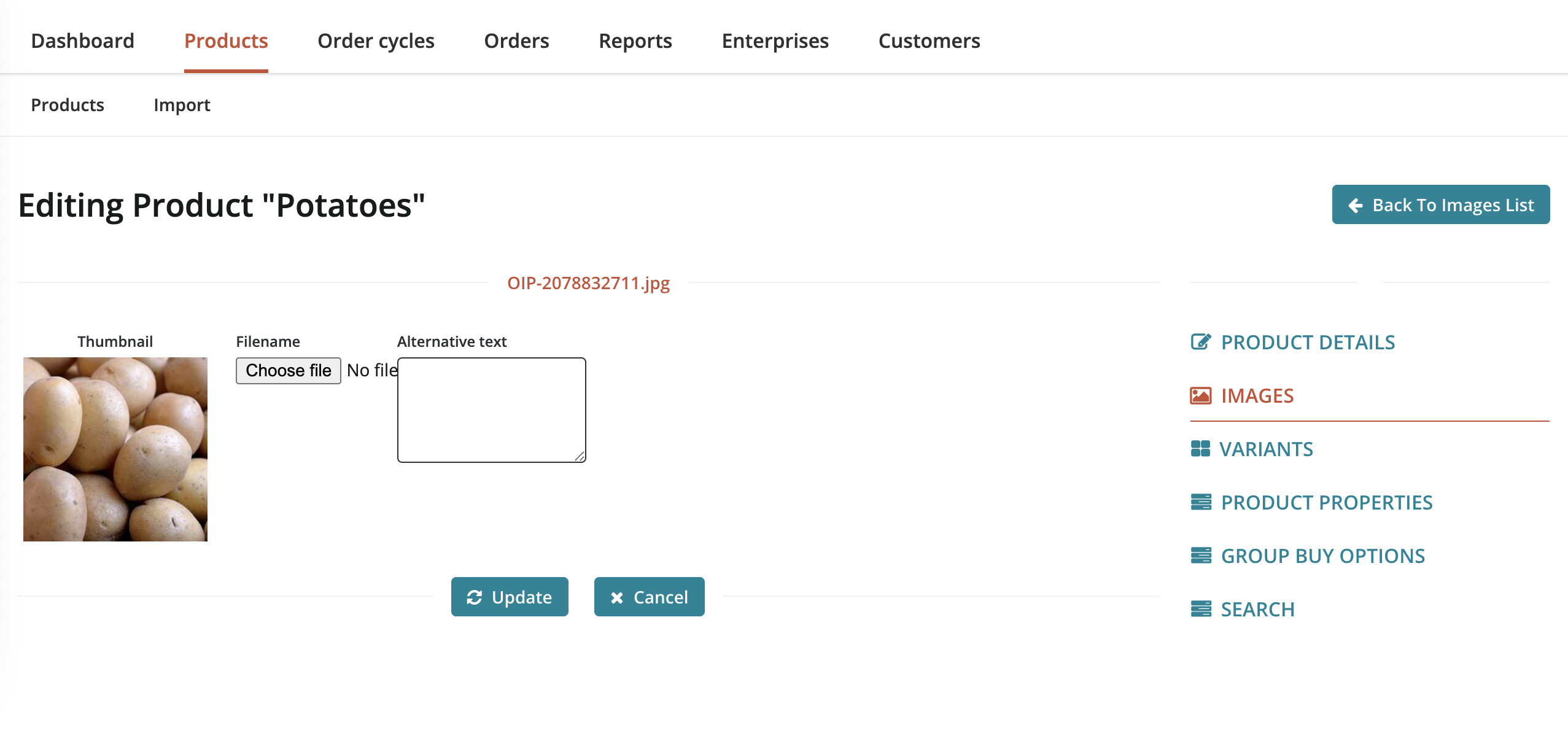
What’s currently supported in product image settings
-
Upload first image
-
Replace first image
-
Upload additional images (which doesn’t do anything in the front shop and it’s not shown in the back office either)
-
Delete first image (if multiple have been uploaded, then the following one becomes the primary on reloading the page)
-
Add alt text to first image ( from the html in the shop front, I am not sure it actually works)
-
No ability to link to a variant, no caption
You can see the odd behaviour regarding adding multiple images in this video. It’s broken, but in a way it made us realise that in the db we already support uploading multiple images per product. This might come in handy!
What we could build
I’ve got two main proposals here too, one with view only list + edit individual image, and one that has an editable table, more similar to the product list.
These two options are NOT part of the concept testing, so it’s quite important for folks here in the forum to provide inputs.
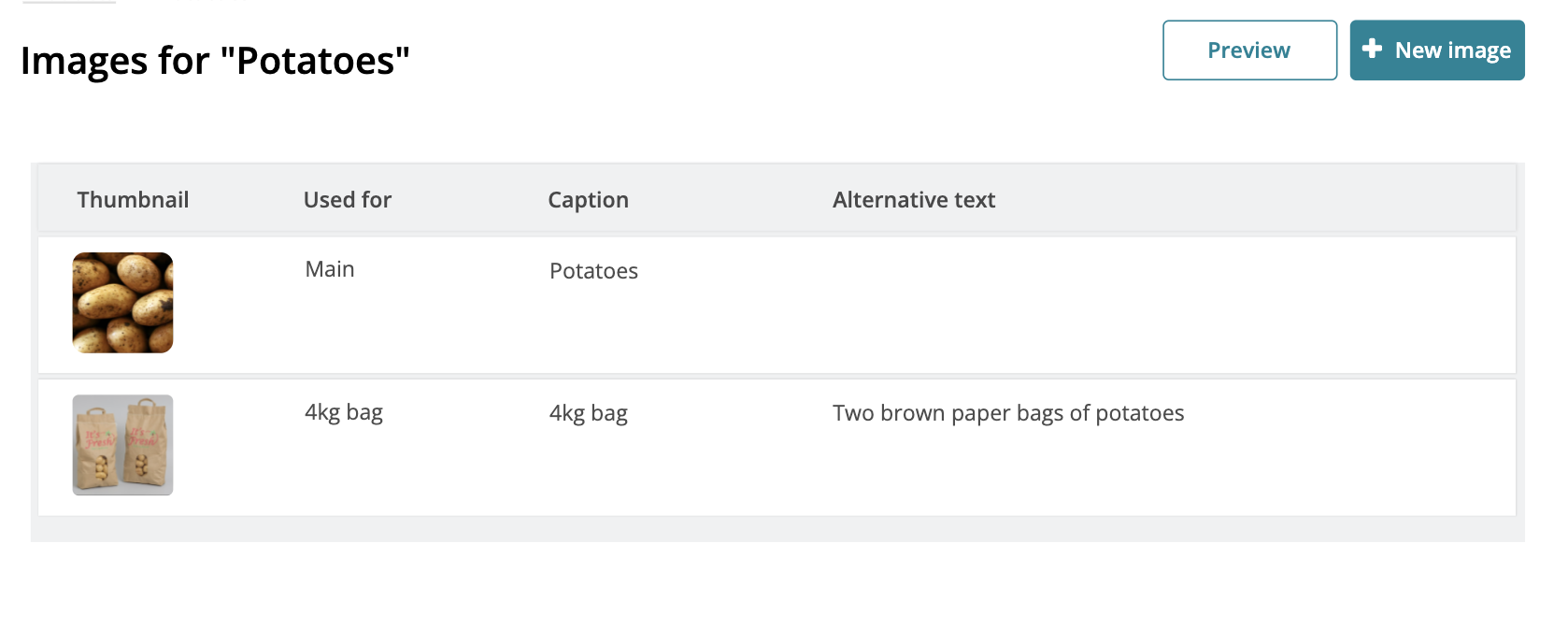
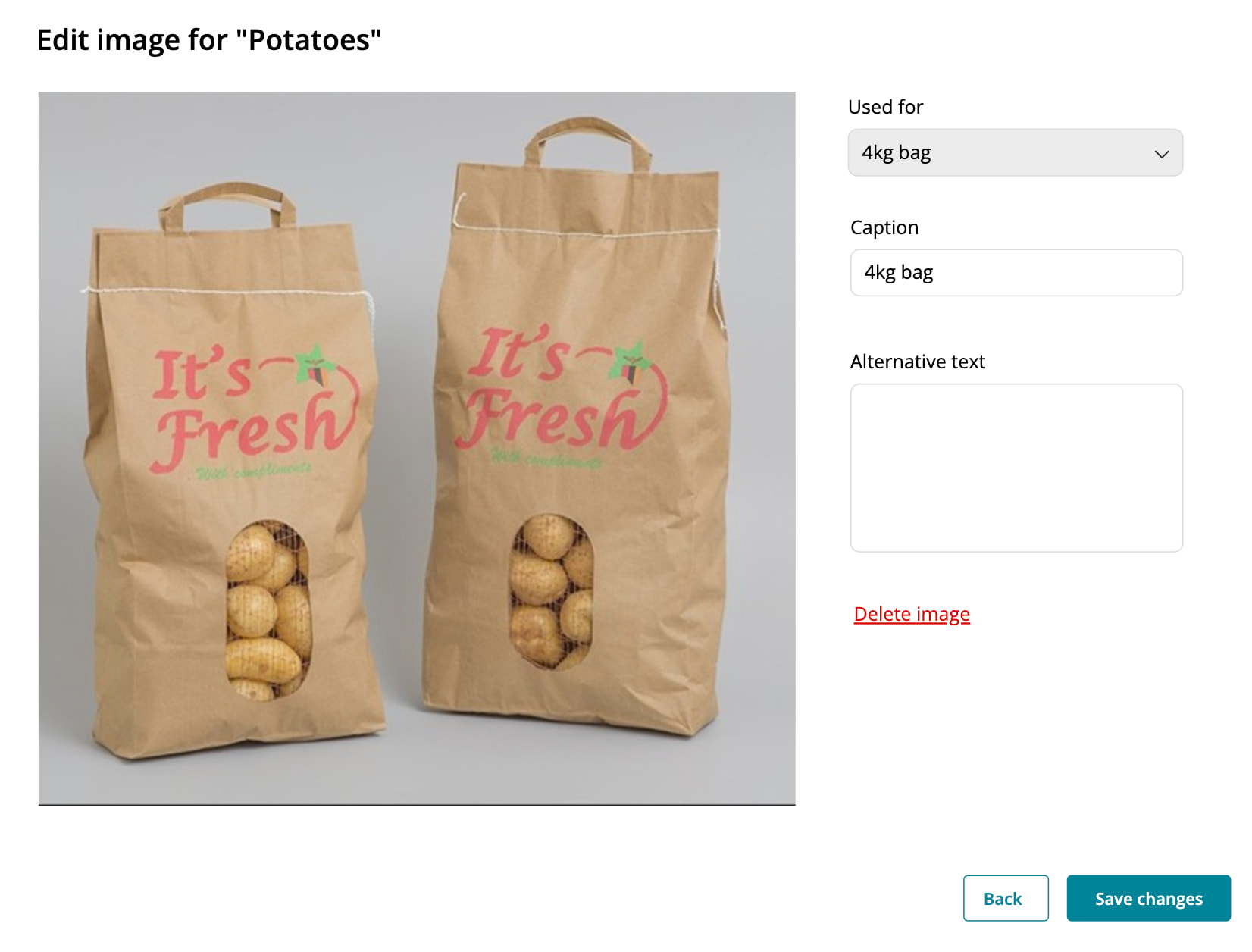
Option 1 - view only list + edit individual image
This pattern is similar to what is currently available. One good thing about this is that every image would have its own edit page. I assume it would be lighter to manage from a dev perspective. We can also probably make this mobile responsive a bit more easily.
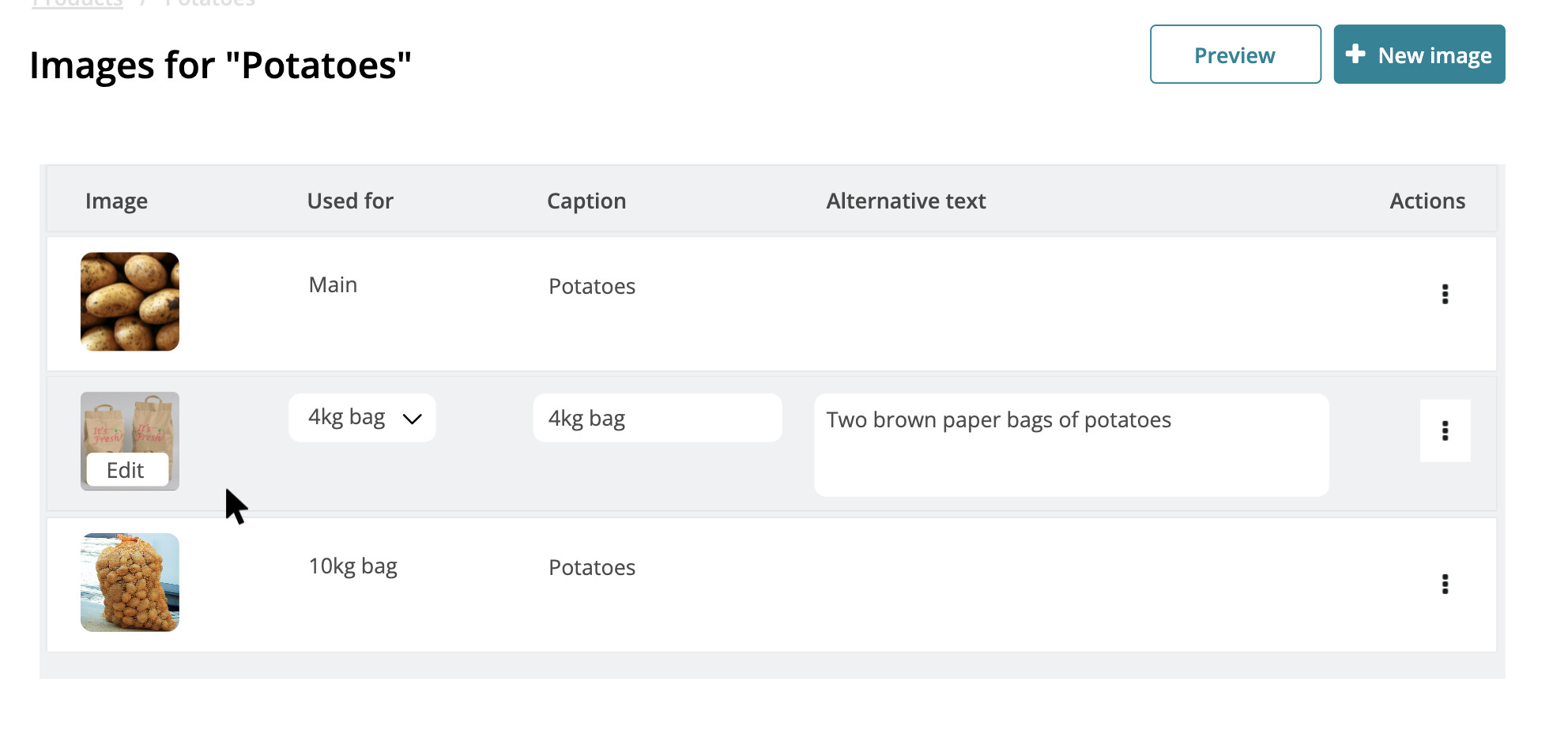
Option 2 - editable list
This uses the same model of the product list, edit any field inline (except replacing the image itself), for multiple images at the same time, and then save. I can see this working quite well in combination with option 2 in the product list. While you’re out and about you take photos and upload them in one go, then in front of your laptop you fine tune by adding captions and other details and previewing how the product is going to look like.
Where from here?
It would be great to move to development relatively quickly, but there are still quite a few open points. Here’s a proposal, very open to be challenged.
Phase 1 - no user facing changes
-
Build the carousel for the front shop, BUT if there aren’t multiple images, display single image as is
-
Test the above using the multiple images hack in this video
I assume the majority of products sold in the last year don’t have multiple images - will need to be checked. If that’s the case, we basically build and test the front shop implementation leveraging the hack without having to use feature toggles.
Phase 2 - update product list and launch beta for users
- Build option 1 or 2 based on feedback received
This might require us to maybe hide the product images settings page if it gets too confusing for folks.
Phase 3 - update product images settings
- Build option 1 or 2 based on feedback received here in the forum
I am not so sure that phase 2 and 3 are actually required or if we can just combine them into 1. But it would be a very chunky release, open for suggestions here.
Thank you for taking the time to read this!