Add search/filter to the superuser Enterprises page to improve hub operator support

This creates unnecessary friction in support workflows. The longer it takes a superuser to locate an enterprise, the longer that operator waits for help with their issue. The impact is felt most with hubs, where support requests tend to be more complex and time-sensitive, but shops and profiles are affected too.

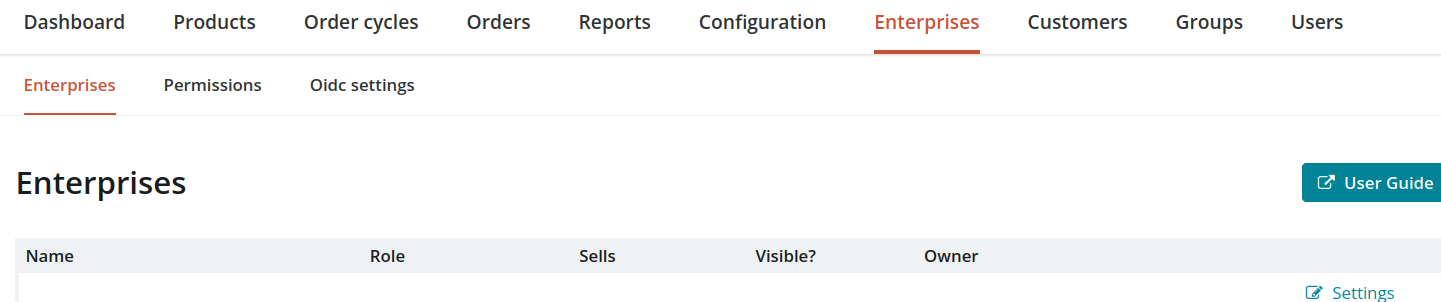
There is a workaround: clicking into any enterprise’s edit page exposes a name field that can be used to navigate to the right one. It works, but it’s clunky — particularly under time pressure when an operator is waiting.

Interestingly, hub and shop owners do have a search box on their enterprises view — it just wasn’t carried over to the superuser view, which serves a different purpose (bulk editing via a paginated form rather than the AngularJS-driven view non-admins see).

Screenshot when logged in as superuser
Screenshot when logged in as Hub Manager
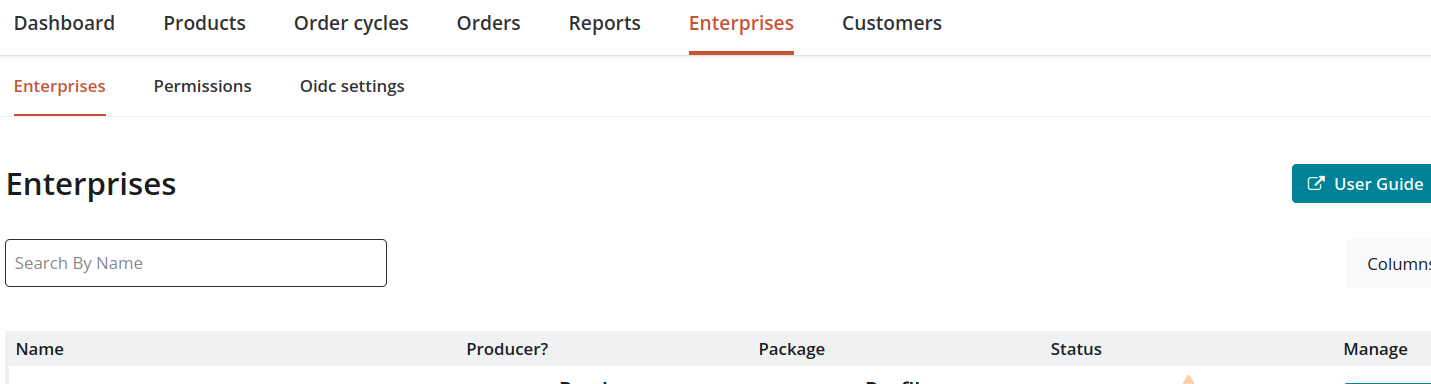
What I’d suggest: A simple name/email filter using Ransack on the server side, consistent with how filtering works elsewhere in the admin (Orders, Customers, etc.). Because the superuser view is paginated, a client-side filter wouldn’t be sufficient — it would only search the current page.

This feels like a small change with a meaningful support workflow improvement. A few questions for the community:

  • Are there other fields superusers commonly need to search by when supporting an enterprise — owner email, city, permalink?
  • Is anyone else running into this friction, or is it mainly an issue at larger instances with many enterprises?
  • Any reason to prefer a different approach over Ransack filtering?

Happy to open a GitHub issue and take a crack at the implementation if there’s interest.

Announcement (This is more to inform or update the community)
Proposal / Discussion (This is something than requests input and encourages active discussion)

Feedback round

Proposal / 1st iteration
2nd iteration
Refined Proposal / Final iteration

Who to ping?

@Karla @tschumilas @emilythericky @Gaetan @Rachel @BethanOFN @Evonne @dthomas @berniemabbs

See: Circles and Handles - Google Sheets

Deadline

2026-06-17

I agree this is not practical for super-admin. I always have a tab open with the enterprise page, so I can easily search if I need to look at another one.

Same here. When I login as super admin the first thing I do is open the enterprises page, click on the first enterprise in my list so that the search is open. So if the search bar was already there, that would be good because I usually know the name of the hub.

I also find that when a hub is first onboarding and support need is highest, that it helps for me to create a unique login that I put in as a user – because its way faster to navigate everything on the back end as a hub manager compared to super admin. Glad to see some interest in reducing super admin friction. Its the worst.

I had a quick look, the “Hub Manager” search is a frontend only search, so, as noted, it’s not a viable solution for superadmin users. The Ransack filtering is the way to go, we should be mindful of performance when developing the feature.
I wonder if there are any historical reason why this feature is missing, @maikel might know more.

@Gaetan If I remember correctly… Before the Enterprise list was paginated it took time to load the entire list. Back then the search function in the browser was the best way to get to an enterprise. That ability went away when the list was paginated. It took a bit of time to figure out the workaround which works for a super user. However it still takes about as much time to use as loading the entire enterprise list and using the browser.

My guess is that the pagination was done to reduce server load and reduce time for the page to load.

Would having a search box added be a good compromise between loading the entire list and pagination? What would the load be on the server to have a search? I think those would be good questions to explore.

I agree the only practical way to open enterprise settings in superadmin is to open the first enterprise then use the search field. However, this doesn’t work very well if you want to ‘delete’ an enterprise. As far as I can tell that can only be done from the enterprise list page, BUT it is really hard to find an enterprise by name in this list, so it makes trying to delete enterprises frustrating. If the new search feature showed the enterprise in the list view with the ‘delete’ option I think this would make cleaning up those profile only, never really used enterprises, much more practical.

Thanks for the historical input @NiftyGaloot .
The search box is definitely the right approach here, my comment about performance it’s just to make sure we keep that in front of our mind when working on the feature. I don’t think it would have negative impact on the server load, It would probably be comparable to the search on the order page.